Loading Spinners For Angular
A customizable yet simple library for loading spinners working for Angular 2, Angular 4 and Angular 5+.
November 25, 2017
Loading
A customizable yet simple library for loading spinners working for Angular 2, Angular 4 and Angular 5+.
A Directed Acyclic Graph (DAG) visualization for Angular 4+, implemented using ngx-charts.
Angular 4+ directives that allow you to build sortable lists with the native HTML5 drag & drop API. The directives can also be nested to bring drag & drop to your WYSIWYG editor, your tree, or whatever fancy structure you are building. Installation: # Yarn $ yarn add ngx-drag-and-drop-lists # NPM $ npm install ngx-drag-and-drop-lists –save Usage: Import the library into your Angular module. import { BrowserModule } from ‘@angular/platform-browser’; import { NgModule } from ‘@angular/core’; import { AppComponent } from ‘./app.component’; import { DndListModule } from ‘ngx-drag-and-drop-lists’; import { ContainerComponent } from ‘./components/container.component’; @NgModule({ declarations: ,
Angular InstantSearch is an Angular 4 and 5 TypeScript library that lets you create an instant search results experience using Algolia’s REST API.
A modern and easy-to-use tabs component implemented for Angular 5+.
A simple Android-style time picker component for Angular Material 5+.
The SignaturePad provides components and utils for digital signatures that allow you to draw smooth signatures based on HTML5 canvas.
ngx-animate-in is a small Angular library to make it easy to animate elements in whenever they enter the viewport. Installation: # NPM $ npm install ngx-animate-in–save Usage: Import the module. import { BrowserModule } from ‘@angular/platform-browser’; import { NgModule } from ‘@angular/core’; import { AnimateInModule } from ‘../../src’; import { AppComponent } from ‘./app.component’; import { BrowserAnimationsModule } from ‘@angular/platform-browser/animations’; import { ProductListComponent } from ‘./product-list/product-list.component’; import { ProductComponent } from ‘./product-list/product/product.component’; @NgModule({ imports: , declarations: , providers: , bootstrap: }) export class AppModule { } Add the ‘animateIn’ to the
An iOS style data selector for AngularJS 4+ that makes it easier to select some data on the touchscreen device, such as time, city, gender, number, product, and much more.
A Cross-Platform, blazing fast, extendable image Viewer based on Electron, Angular 4, and TypeScript.
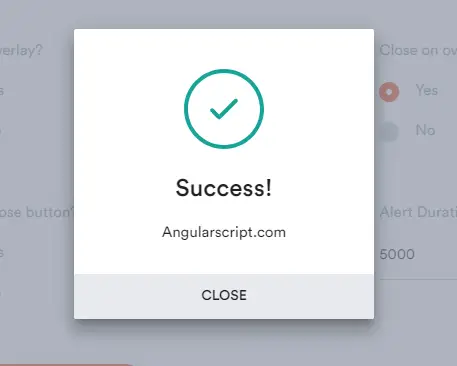
NG Alerts is a simple, clean, customizable alert popup library for Angular.js 5+.
A fancy, simple, touch-enabled, blazing fast date picker component for Angular 4+.